Test your scenarios before they go live with the Scenario Tester

One wrong selector or a mistyped dataLayer key can quietly break a check you thought was protecting your data. The Scenario Tester runs your DataLayer Guard scenarios live on-screen, so you can watch every step, find what fails and fix it before you activate anything.

reserve su demo gratuita
Hands-on testing, trusted by 100+ clients worldwide
Logotipo de American Eagle Outfitters: un cliente que utiliza Code-Cube.io la observabilidad del marketing y la supervisión de etiquetas.
Logotipo de AutoTrack: el principal mercado de automóviles de los Países Bajos utiliza Code-Cube.io garantizar la observabilidad del marketing a escala empresarial y la integridad tracking .
Logotipo de Groupe Chantelle (blanco): líder mundial en lencería y Code-Cube.io para la observabilidad del marketing multimarca.
Logotipo oficial de Goboony: socio de confianza que utiliza Code-Cube.io la supervisión automatizada de etiquetas y dataLayer en múltiples mercados.
Logotipo de New Balance (blanco) - Marca deportiva internacional que utiliza Code-Cube.io garantizar tracking preciso de las conversiones tracking la visibilidad performance .
Logotipo de The North Face (blanco) - Empresa multinacional que utiliza Code-Cube.io la observabilidad del marketing y la supervisión de la recopilación de datos a gran escala.
Logotipo de Timberland: marca minorista internacional que utiliza Code-Cube.io supervisar tracking del comercio electrónico tracking la recopilación de datos de marketing.

What is the Scenario Tester?

The Scenario Tester is part of the DataLayer Guard. It lets you validate your scenario configurations in real time, before they start running as background checks. You don’t have to activate a scenario and hope it works. You start a test and watch DataLayer Guard carry out each step in a real browser, with a live video feed of your website next to it.

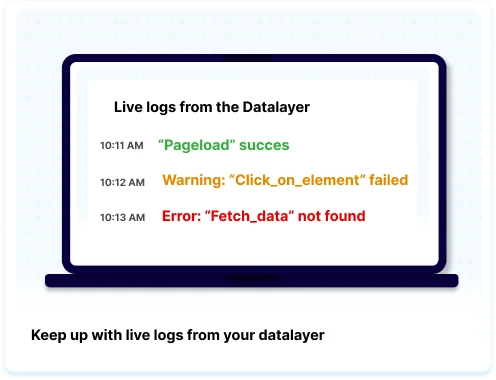
As the test runs, every step appears with a pass or fail status, and a live log shows each dataLayer event that’s found and each error that comes up. When the test finishes, you get a full results overview showing which steps passed, which dataLayer objects were collected, and exactly which parameters were missing or wrong, with the expected value next to the actual value. You can test a single scenario, or run all of them at once before going live.

Go live with checks you can trust

Watch every step live

See DataLayer Guard move through your website in a live browser feed, with each step marked pass or fail as it happens.

Pinpoint what’s wrong

Failed steps show the expected value next to the actual value for every parameter, so you know exactly what to fix.

Share the results

Export a complete test report as PDF or Excel for your team, your client, or your sign-off before launch.

This image is an illustration that serves as an example of what the feature called 'live browser feed' looks like.

Fix configuration errors in minutes

A broken selector or an incorrect JSON object is easy to miss and hard to trace once a check is running in the background. The live step panel shows exactly where a scenario breaks. Click any step and you go straight to it in the scenario editor, so you can adjust it and run the test again right away.

Full insight into your dataLayer

Each test gives you a live count of collected dataLayer objects, errors, scenarios and steps. Afterwards, expand any scenario to see the collected dataLayer objects as formatted JSON, alongside a clear breakdown of every validation error. You know what your dataLayer is sending before you rely on it.

Programar una charla
This image portrays an illustration and serves as an example of what the tool that is described on the page looks like.
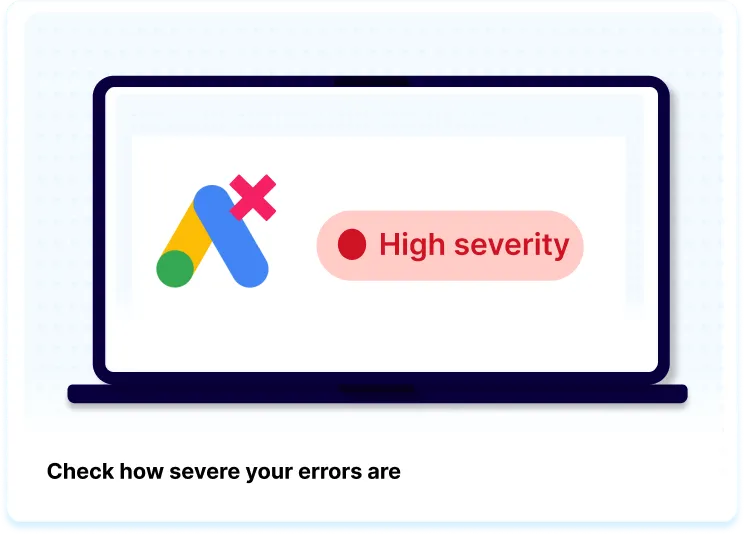
La imagen es una ilustración sencilla que sirve como ejemplo de cómo funciona la función de gravedad de errores. Aparece un texto que dice: "Comprueba la gravedad de tus errores".

Niveles de gravedad basados ​​en el impacto en el negocio

Entérate de inmediato cuando algo falla en una de tus etiquetas más importantes. Basado en datos históricos. tracking A partir de estos datos, el sistema predice el impacto comercial potencial de cualquier etiqueta rota.

Prioriza qué etiquetas depurar primero para no perder ingresos más adelante.

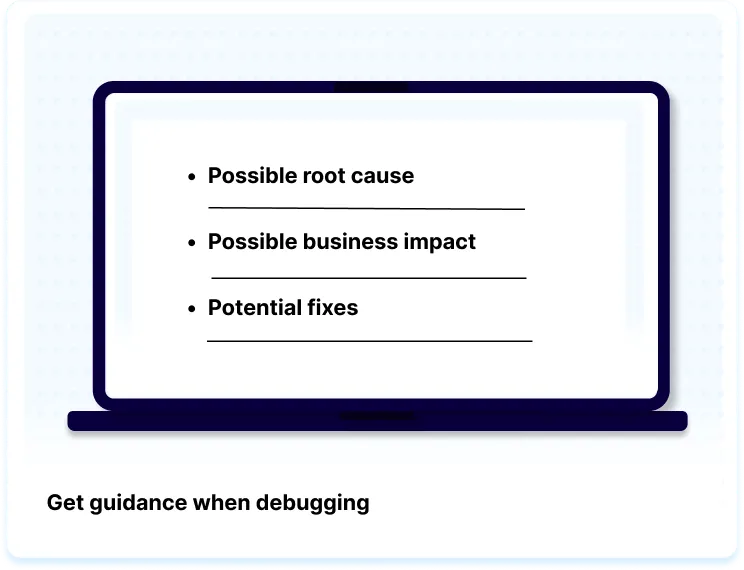
The image is a simple illustration serving as an example of how the Tag Debug Assistant guidance feature looks like. There is text saying: "Get guidance when debugging".

Información completa en un solo clic.

Una vez que abras el Asistente de depuración de etiquetas, sabrás cuál es el problema. Con información valiosa en un solo lugar, no perderás más tiempo del necesario corrigiendo tus etiquetas defectuosas.

Programar una charla

Deja de malgastar tu inversión publicitaria en datos erróneos. Maximiza tu ROAS hoy mismo.

La instalación se realiza en unos pocos clics, ¡sin necesidad de desarrolladores! Nosotros nos encargamos de todo. ¿Está listo?

Empieza hoy mismo